K-12 Curriculum Design · Instructor-Facing Digital Resources
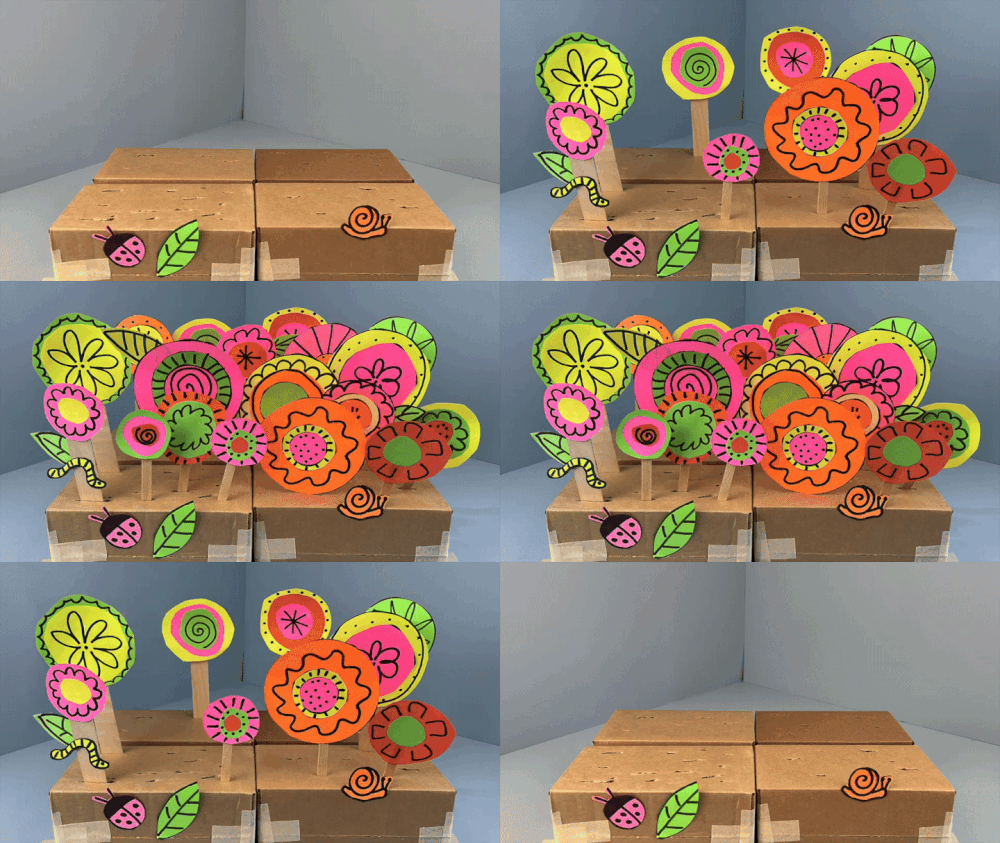
At Galileo Learning, a nationwide educational company serving summer camps and extended learning programs, nationwide, I developed 50+ hands-on STEAM building challenges in an instructor-facing digital format. Designing for this context meant working within many constraints: easy-to-prep activities, low-cost materials, and meaningful learning opportunities for K-5 learners that promoted a growth mindset. Additionally, an instructor with little to no teaching experience should be able to pick up the digital curriculum and teach effectively.
The design considerations that informed our curriculum were born from years of observing classroom, conducting instructor surveys, and measuring outcomes in multiple settings, across multiple ages.
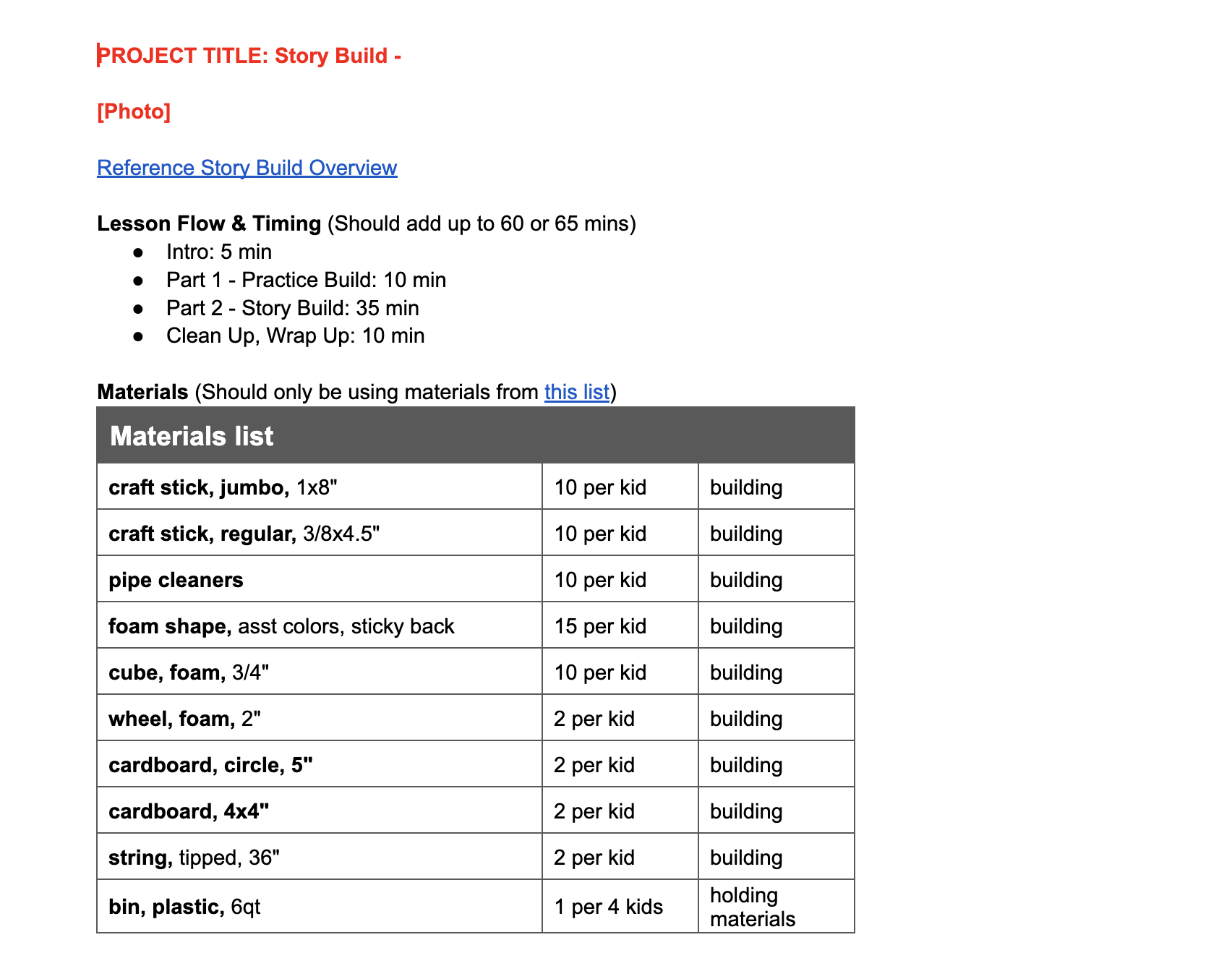
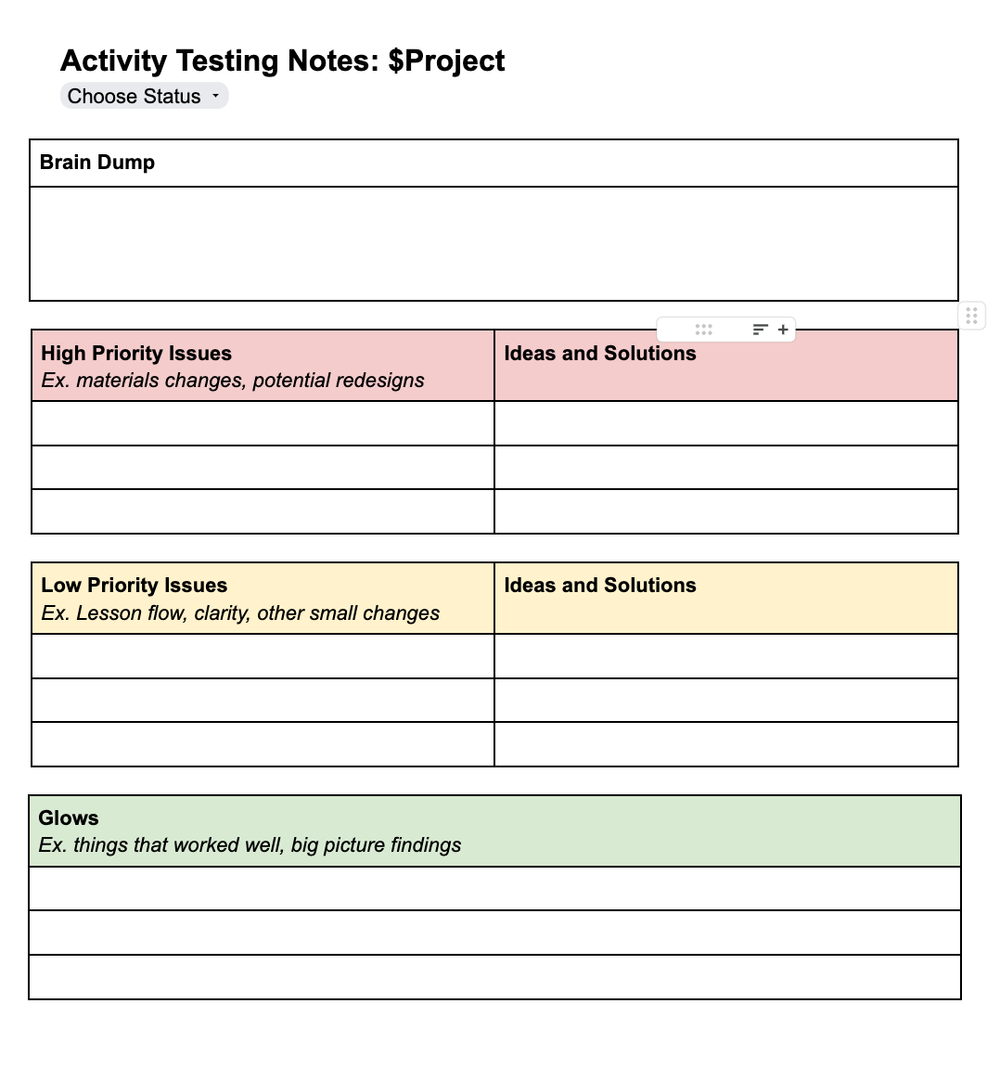
Over two years, I designed 40+ engineering and design challenges for three camp age groups (K-1 "Nebulas," 2nd-3rd grade "Stars," and 4th-5th grade "Supernovas"), across two class types: "Innovator's Studio" and "Idea Lab." After brainstorming and tinkering new lesson concepts, with real classroom contexts and age-appropriateness in mind, I pre-outlined each lesson, in for lesson testing and potential redesign prior to making a polished final version. To aid in this process, I updated my team's pre-outline template to include bigger-picture questions and lesson guidelines, allowing me and other developers to self-assess whether a project idea was viable, affordable, and engaging for real kids.
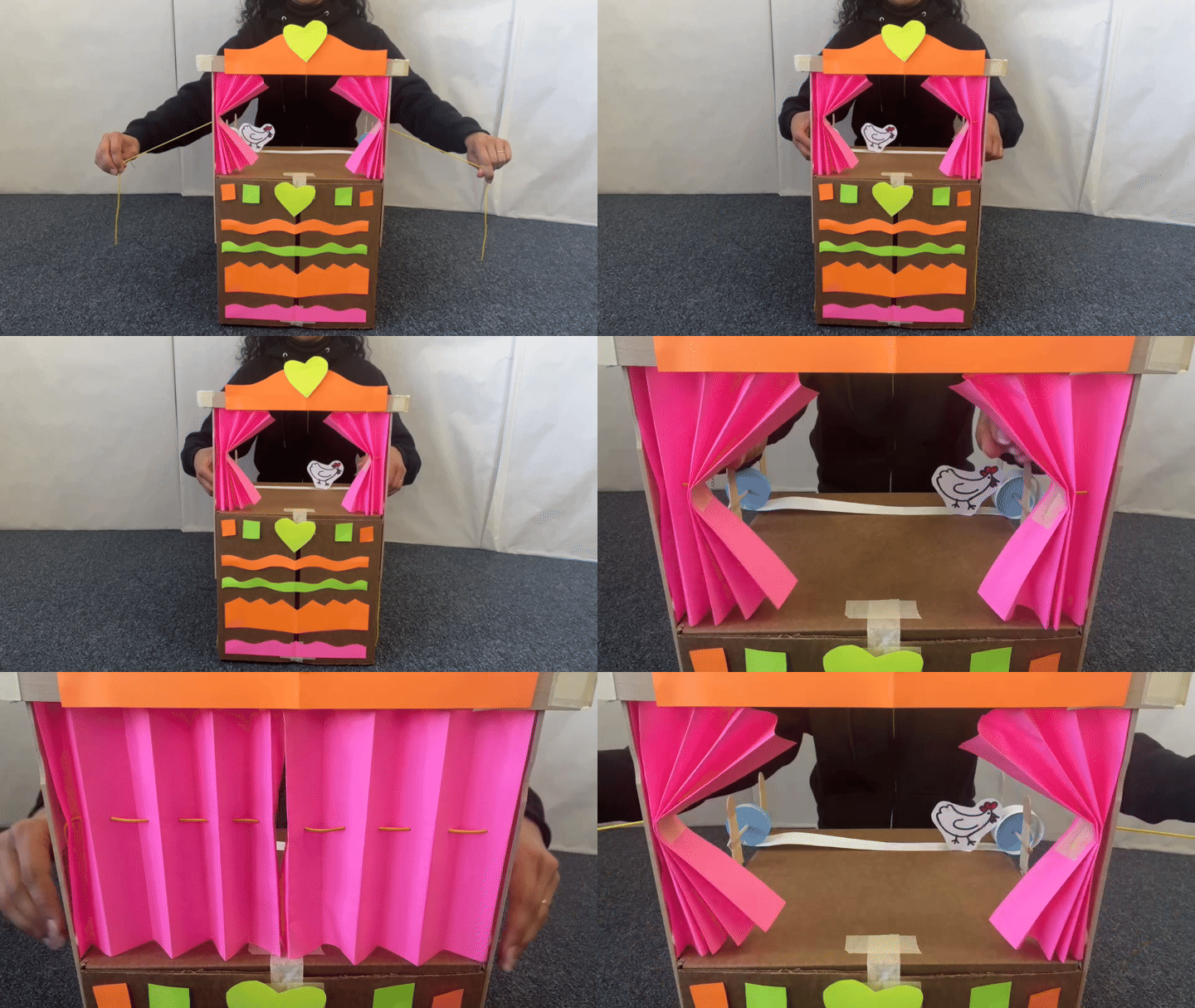
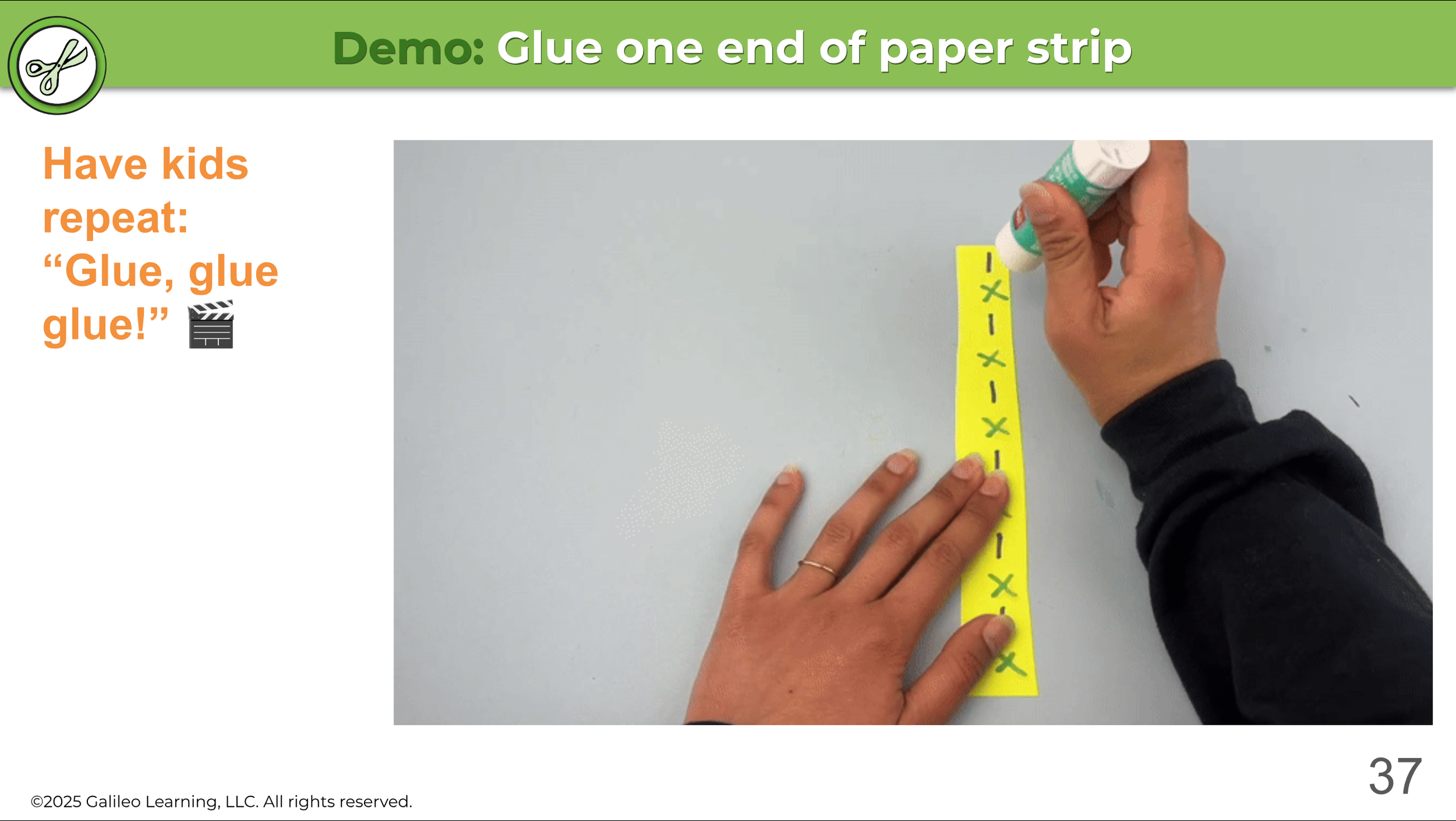
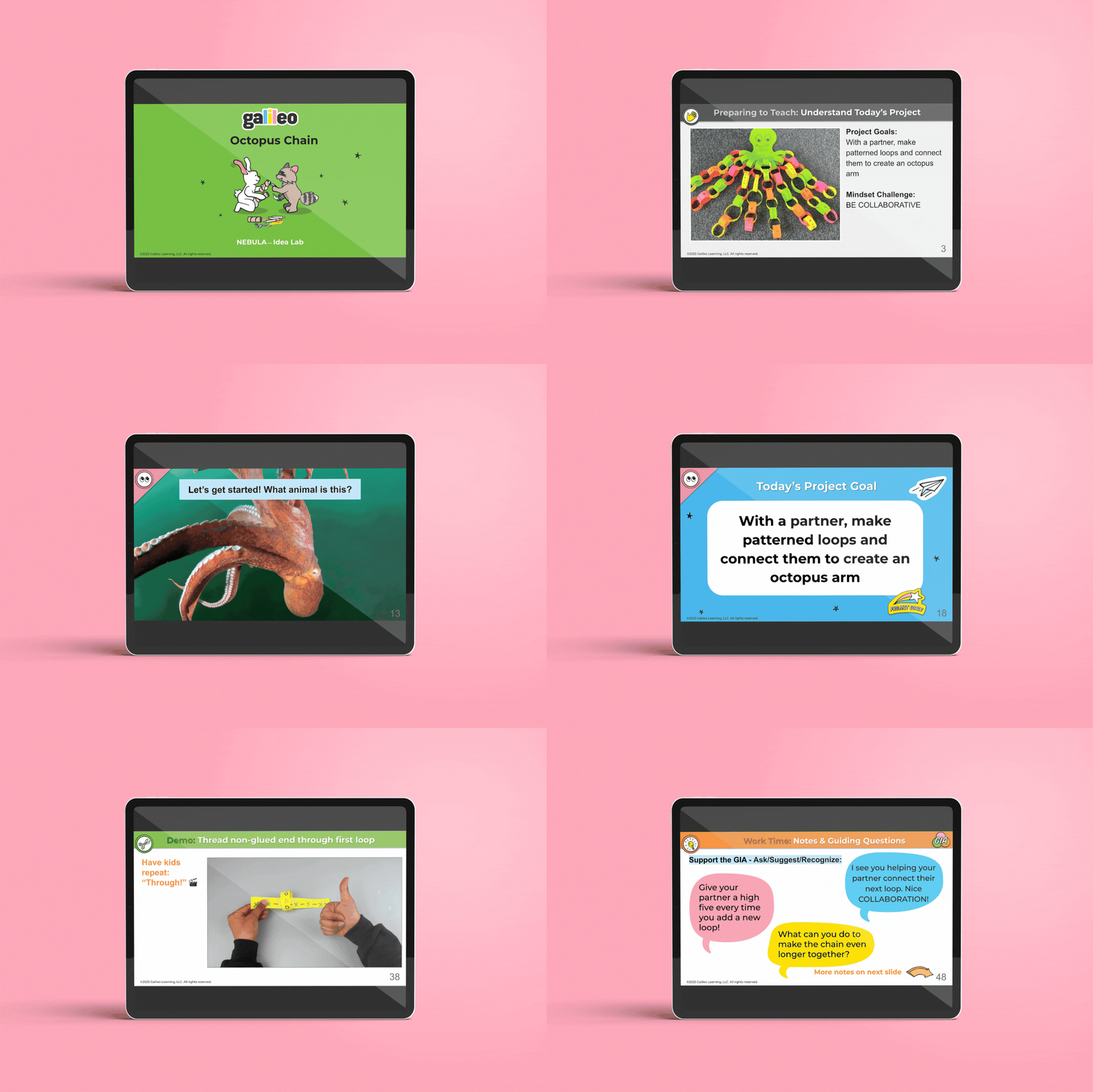
Once pre-outlined, I developed instructor-facing slideshow presentations in Google Slides with visual content including photos and GIFs, designed to be used in real time as the instructor was teaching. Each slideshow was designed for tablet viewing, with visual hierarchy prioritizing instructor actions and support notes, all while maintaining consistent branding aligned with Galileo's playful visual identity.
Each project was taught in a real classroom setting with real kids in Oakland, CA before scaling. These sessions allowed us to collect real-time data on age-appropriateness, engagement, success rate, time constraints, and materials usage, directly informing revisions before rollout.
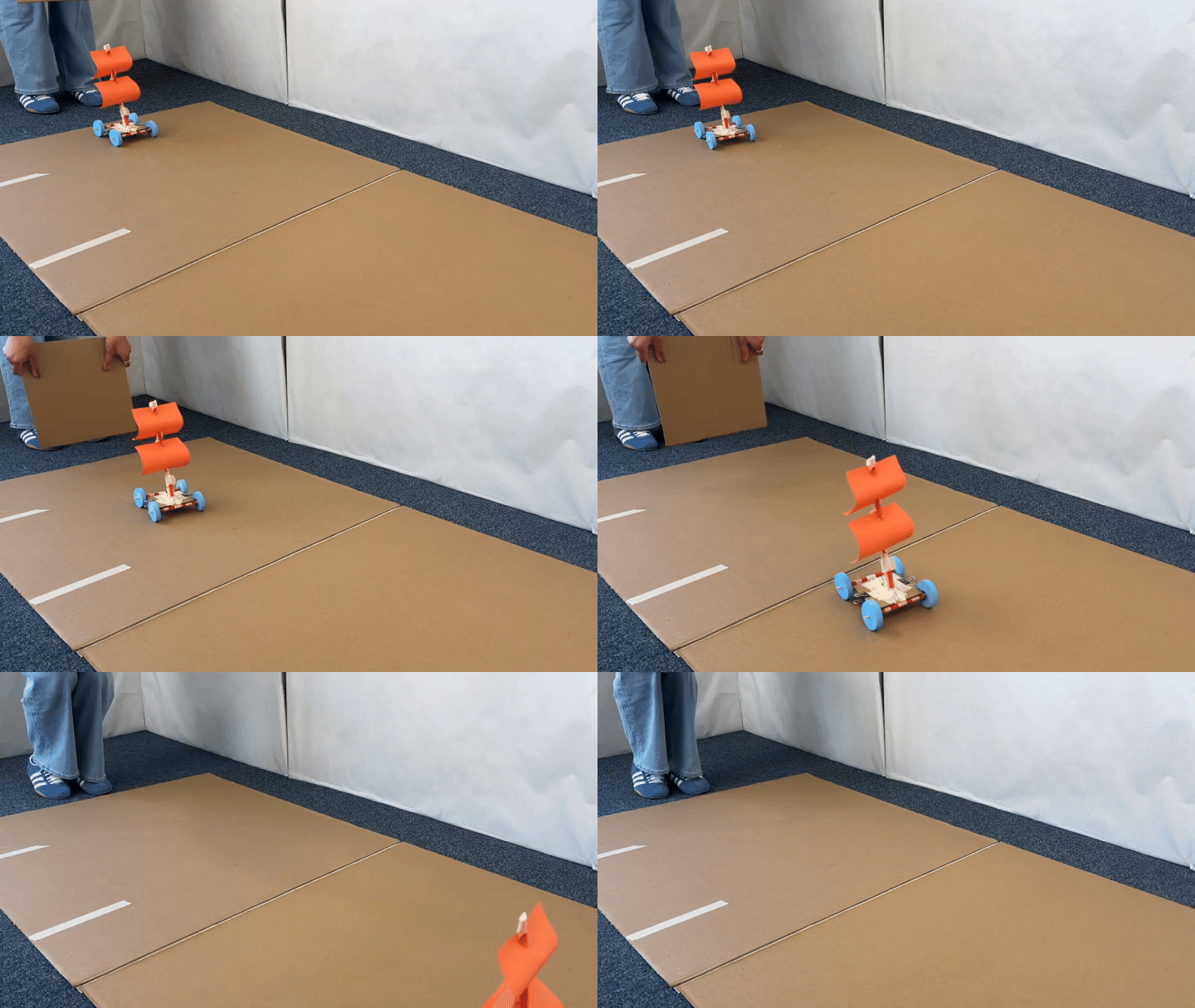
Once tested and developed, each lesson I designed was implemented across camps and schools nationwide, reaching thousands of K-5 learners. I supported rollout by facilitating instructor training sessions, conducting in-person classroom observations, and providing real-time coaching. Evaluation data directly informed the next design cycle.
Interested in working together?
Get In Touch →